

 Austria
 Belgium
 France
 Germany
 Italy
 Netherlands
 Poland
 Spain
 Sweden
 United States

One number for all stores and the webshop
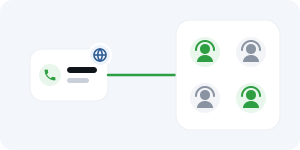
Customers call one number and choose: the store, the webshop or customer service. Nobody has to transfer calls.
Phone menuA chain has stores, an online shop and a head office, while the customer only wants to call one number. Around Black Friday and the sales, call volumes rise sharply, just when your team has its hands full with customers in the store. With one central number, a selection menu and a queue, every caller reaches the right branch, so your team can focus on the shop floor.

Customers call one number and choose: the store, the webshop or customer service. Nobody has to transfer calls.
Phone menu
When the store is busy, head office or another store answers. The caller notices nothing.
Phone systemThis is the standard configuration for a fashion brand with an online shop and several stores. You can always take parts out or add them, and you set up the routing by region, by store or by department.
Customers see one point of contact for all your stores and your online shop, while behind the scenes the central number passes the call on to the nearest branch, a specific department or your head office.
So the caller hears straight away they have come to the right place. Head office can change the welcome message for all stores at once, for example with the Christmas opening hours, or per store.
“Welcome to Northlight Fashion.”
Two routes, so a question about an online order does not end up in the store and a question for the store does not land with the online team. With this selection menu callers get the right team quickly, without being passed around.
“Press 1 for online orders, press 2 for your nearest store.”
Calls about online orders go to your e-commerce support team, which often works with different systems and different staff from the stores. The customer sees one brand and one number.
The call goes to the branch the caller chooses, or to the nearest one based on the area code they are calling from. If a store is temporarily closed because of a refit, staff shortages or a power cut, you redirect those calls to the nearest branch or head office in seconds.
Around Black Friday, Boxing Day and the summer sales, the queue holds callers with a waiting message while your team works through the line. For those weeks you temporarily put extra people on the line, such as seasonal staff, colleagues from head office or an external answering service, and after the sale you go back to your normal setup.
If nobody answers because everyone is helping customers in the store, forwarding rules send the call to backup staff or to voicemail. Every message is forwarded by email, so nothing gets lost.
You manage all store numbers from one dashboard. You change the welcome message for every location at once or per store, and a routing change during a refit or a pop-up event is live in seconds. One invoice covers all locations, and you have one team to call when something needs to change.
No Wi-Fi needed. We forward calls over the mobile network, not over the internet, so your stores stay reachable when the in-store Wi-Fi goes down. If you would rather receive calls on your existing phone system or in a SaaS tool, that works too.
We run our own IVR platform and are licensed in 14 European countries. That is not a boast, it simply changes how quickly a problem gets fixed, and when your brand depends on every contact with a customer, that speed counts.
Five links, and nobody in that chain can change your stores' routing themselves.
One link. If your brand needs something that does not exist yet, we build it ourselves.
Call queues, the selection menu and call recording start with the Customer Service plan (up to 8 people): £43 per month. A chain with several stores or a franchise network is something we configure with you, and that takes a conversation, not a project.

Rather talk it through first?
Our team helps you with numbers and voicebots in each of our countries. Call us or use the contact form.
To the contact form → Call us 020 4638 9400Forwarding rules then send the call to backup staff, a colleague or voicemail. Every message is forwarded by email, so nothing gets lost.
Yes. The queue absorbs the peak and you can temporarily add team members to handle the overflow: seasonal staff, colleagues from head office or an external answering service. When the sale ends, you scale back to your normal setup. You only pay for what you use.
Yes. For franchise networks that share a central customer service number, we route calls to the relevant franchisee based on the caller’s area code or menu choice, and we invoice each franchisee separately for their share.
Yes. Use a central number and route callers to the right store based on their choice or location. One recognisable point of contact for customers, with local reachability behind the scenes.
Our system handles peak traffic with queues and automatic forwarding. Even when your team is busy with in-store customers, callers can leave a voicemail or request a callback.
Yes. Set up an automated message or menu option that lets callers check their order status without speaking to a team member, which frees your staff for more complex questions.
Yes. With a phone menu you can send callers straight to click and collect, sales, returns or another department. This keeps store staff focused on customers in person while callers reach the right team.
Yes. Our system forwards calls to your phone system or SaaS tool. Receive calls to your business number anywhere, whether you are on the shop floor, in the stockroom or travelling between locations.
Yes. Activate a local number for each temporary location and have it live within one working day. When the pop-up closes, you forward the number to your main store line or switch it off. No long contracts or setup costs.
All store numbers are managed from one dashboard. Update welcome messages for every location at once or adjust them per store. If a store is temporarily closed, you forward its calls to the nearest branch or to head office in seconds. One invoice covers all locations.
Yes. Add a local number for each country you sell in, within that country’s registration rules: in France, for example, you need a French establishment, while a UK number can be registered to your own address wherever you are. All calls are routed to your existing customer service team. One dashboard, one invoice, full control over every market.
No. We send calls straight to your mobile phone over the mobile network. No app, no internet connection and no Wi-Fi needed. Your team stays reachable even when the store Wi-Fi goes down.
Yes. A dedicated returns number, or a menu option for returns, makes sure these calls reach the right team straight away, without transfers. With call recording you can review how your team handles complaints, spot recurring problems and use the recordings for training. In the statistics panel you see how many calls come in about returns compared with sales, so you can staff accordingly.
Yes. Its own local number on the site hoarding, in press releases and on social media gives the new location its own identity before the doors open. Callers hear a welcome message with the opening date, the location and details of the opening event, made with our text-to-speech assistant and updated by your team at any time. Once the store opens, the number becomes the permanent store line, and anyone who called beforehand has already saved it.
Yes, through our private API. We do not hand you a generic library: you tell us what you need, we confirm it is feasible and build the exact endpoints for you, so your developer can program against endpoints that work, without guesswork. That lets you pull call statistics into your own reporting tools, download recordings automatically, route VIP clients to their personal shopper based on their number, or alert the store manager when an important customer calls. Because we built and run our own platform, we can extend it for any case.
Yes. Our support mailbox is monitored in the evening, at night and at weekends, and our team gets alerts through Slack on their mobiles. For clients who want it, we set up a dedicated Slack channel so you can message us at any time.
No. Because we run the platform ourselves and there are always several colleagues online at once, someone is already there when something happens. With other providers you often need a strict and expensive SLA for that; we work on a best-effort basis, with team members who know the platform inside out and want to help you.

Our team helps you with numbers and voicebots in each of our countries. Call us or use the contact form.
 European Union
GDPR-compliant · data in the EU
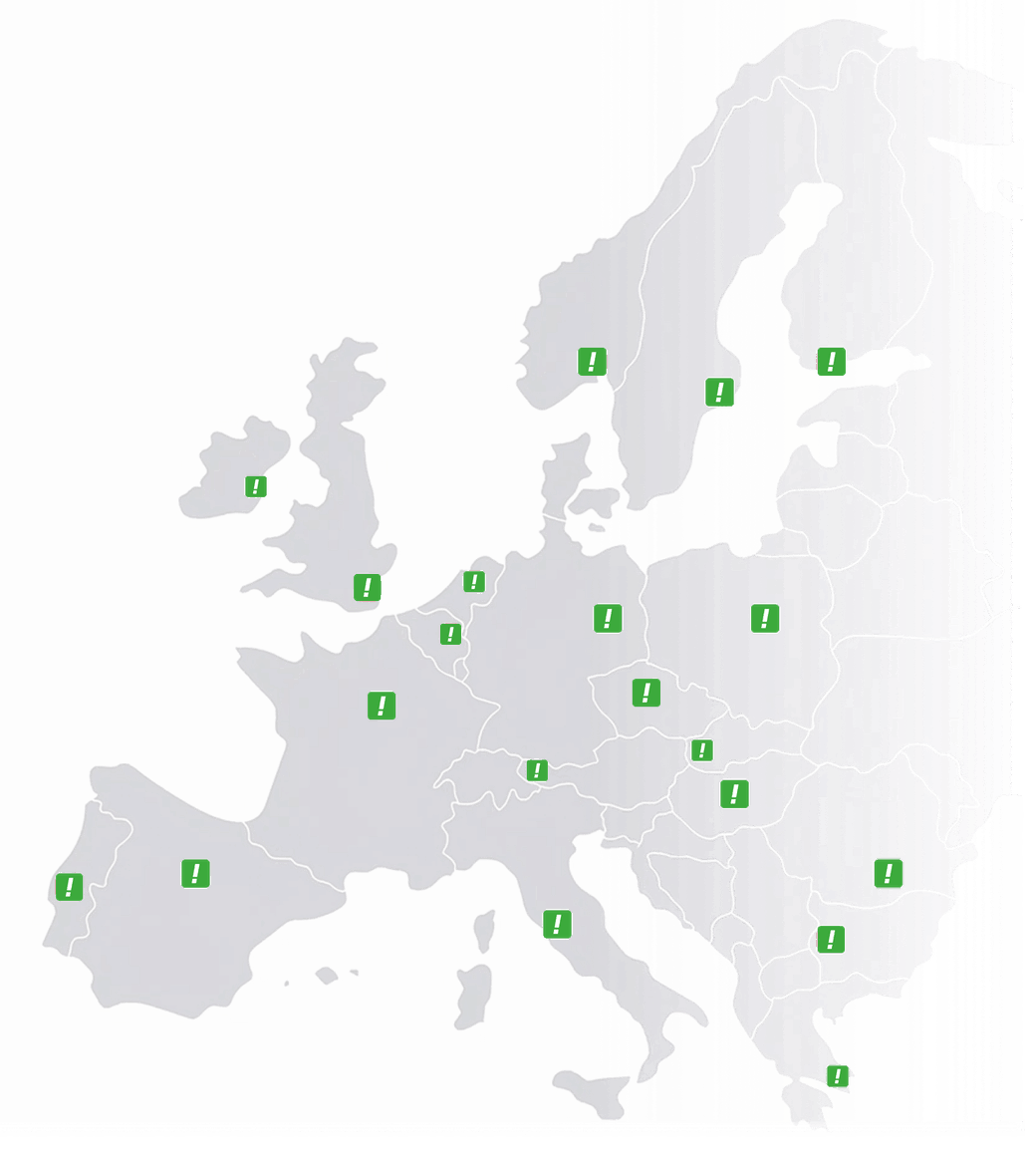 Numbers in 14 European countries + US