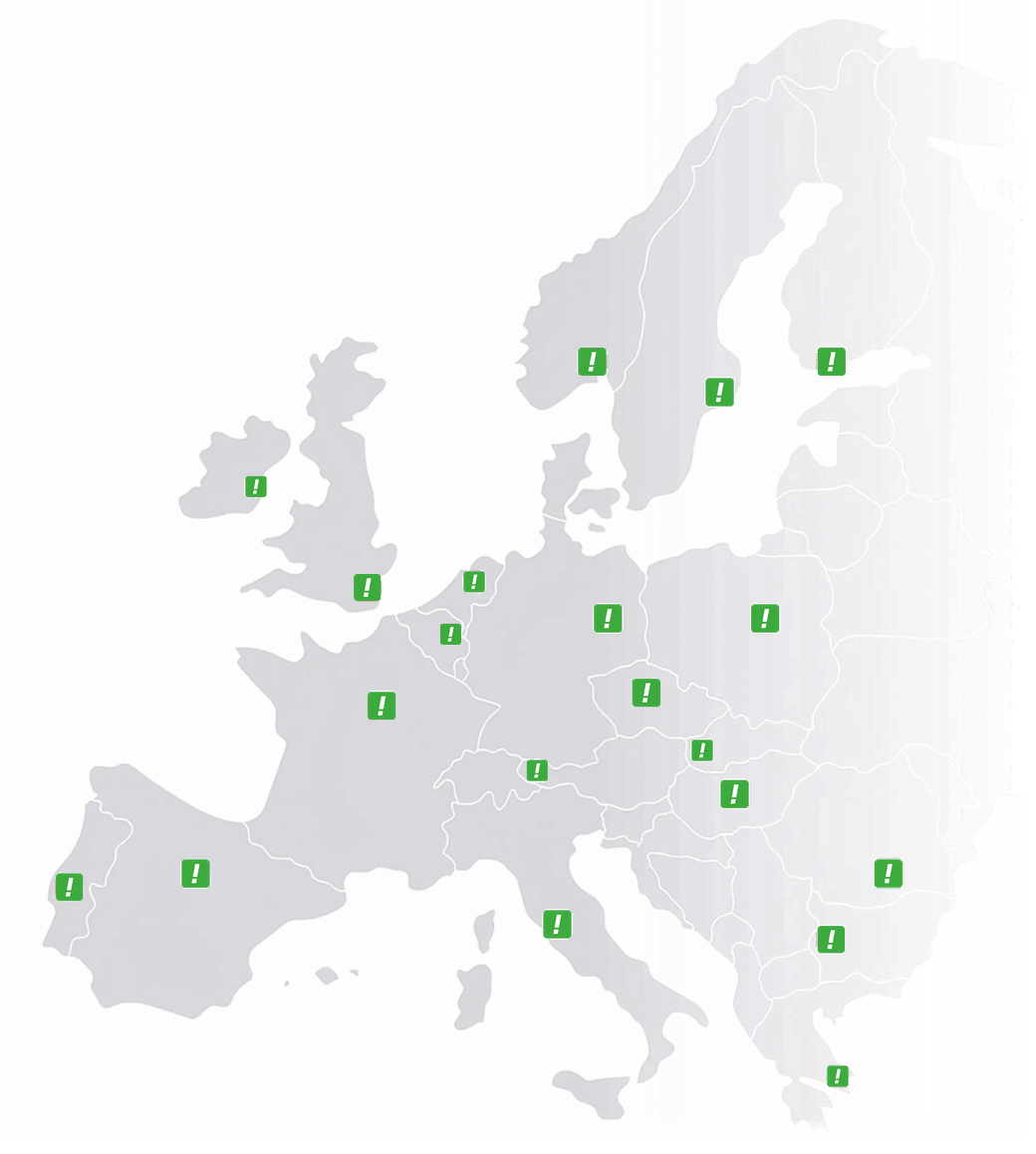
Austria
 Belgium
 France
 Germany
 Italy
Italy Netherlands
 Poland
 Spain
Spain Sweden
 United States
How many callers did you miss last week?
If you do not know the answer, that is the answer. Every missed call was someone who wanted something — and without figures you cannot tell how many there were, when they rang or whether it happens again every Tuesday morning.
No limit on history, per number, per office, per hour of the day.
Example · last week · main number
real time
- Calls
- 412
- Missed
- 37
- Avg. length
- 3:12
Top 3 destinations
- Manchester office 168 · 12 missed
- Leeds office 141 · 19 missed
- Main line 103 · 6 missed
Leeds gets fewer calls and misses more of them. That is exactly the kind of thing you do not know without figures.
Three questions hardly anyone can answer
Not because nobody cares, but because the phone is the one channel where nothing is tracked by default.
When do you need people at their desks?
You can feel that mornings are busy, but you do not know whether the peak is at nine or at eleven, so the rota is built on instinct instead of on the hour when most people call.
Is everyone taking their share?
With several offices or teams you cannot see who handles the most calls. One location is swamped while the other has room to spare, and both are sure they are the busiest.
Did that campaign make the phone ring?
You advertise in a region and cannot tell whether more people called. The number of calls shows it, and for landline callers also the town they rang from, while the phone is often the real channel and online is usually the only one anybody measures.
The same figures, wherever you want them
Nobody logs in to a dashboard every day. That is why there are three routes to the same data, and most businesses use all three at once.
The dashboard
Pick a period (today, this week, this month or as far back as you like) and see your totals, your peak hours and your top ten destinations, callers and caller towns straight away.
The report in your inbox
Daily, weekly or monthly, set for each number. The support line can send its figures to the operations manager every day, while the main number sends management a summary once a month. If you have several numbers, each one arrives as a report of its own.
Export and API
All call data as a CSV file from your dashboard, which opens in Excel, or straight into your own reporting through the API, so the phone counts alongside your other figures instead of sitting next to them.
One figure is a bill, the rest is context
Of everything you can measure, one figure means money straight away: how many callers were not helped. The rest of the figures are there to explain that one.
Missed calls, per hour and per line
Besides how many, you see when and where. Five missed calls spread over the week is not the same as five on a Tuesday morning between nine and ten — and the second you fix with a rota.
Per office, compared fairly
With a central number that routes to several offices or franchisees, you see per location how many calls come in and how many are missed. That turns the conversation about staffing into a conversation about figures.
And the caller towns make a regional campaign visible: if you advertise in Yorkshire, it should show up in your list of towns. One caveat we would rather add straight away: the town comes from the area code, so it only appears for callers on a landline. If your audience mostly rings from a mobile, the number of calls is your signal and the town is not.
Which figures, for whom, how often
The period
no limitToday, this week, this month, or any range you choose, however far back. Handy for comparing a busy week with the same week last year.
Who gets which report
per numberFor each number an address and a frequency: daily, weekly or monthly. So every number can report to someone else, at its own rhythm.
Number by number
each one apartEvery number has its own figures, so a number per office, per country or per campaign shows each of them on its own.
What you do with it
CSV or APIView it in the dashboard, download it as a CSV file or pull it into your own reporting through the API. The same figures, three ways out.
Measuring is not the same as fixing
These figures tell you what happened, not why. That seventeen calls were missed on Tuesday morning you know within a second; whether that was down to illness, a campaign or simply too few people on the rota is not in there. And a dashboard nobody opens changes nothing, which is why that report in your inbox probably matters more than the dashboard itself.
In every plan, even for one person
Call insights comes at no extra cost with every plan, from Business Number to Customer Service, and there is no limit on how far back you can look in the data.
What customers ask about this
As far as you like, because there is no limit on history. That lets you compare this month with the same month last year, which for seasonal work is the only comparison that makes sense.
Yes. With a central number that routes to several offices, the ranking of destinations shows exactly how many calls come in per location and how many are missed.
Not necessarily, because you set the report per number, with its own address and its own rhythm. The line a team works from can report every day, while the main number sends a monthly summary to whoever only wants to see the trend.
Yes. All call data can be downloaded as a CSV file, and through the API you pull it straight into your own reporting or dashboard.
For landline callers, yes, at town level, in a top ten. That comes from the area code, and a mobile number does not have one: 07 says nothing about where someone is. If your audience mostly rings from a mobile, that list is part of the story rather than all of it. For business callers, who more often ring from a landline, it is a good deal more complete.
Every call is logged with the caller’s number, the date and time, the length of the call and the route it took, and you also see missed calls, peak hours and top callers.
Yes. You set up automatic email reports on a daily, weekly or monthly basis, so call insights arrives in your inbox without you having to log in.
Yes. You give each campaign or media channel a number of its own, and call insights then shows which campaign brings in the most calls, which gives you clear ROI figures.
Start with the missed calls
Pick a week and see how many calls went unanswered and at what hour. That one figure is usually enough to change something.